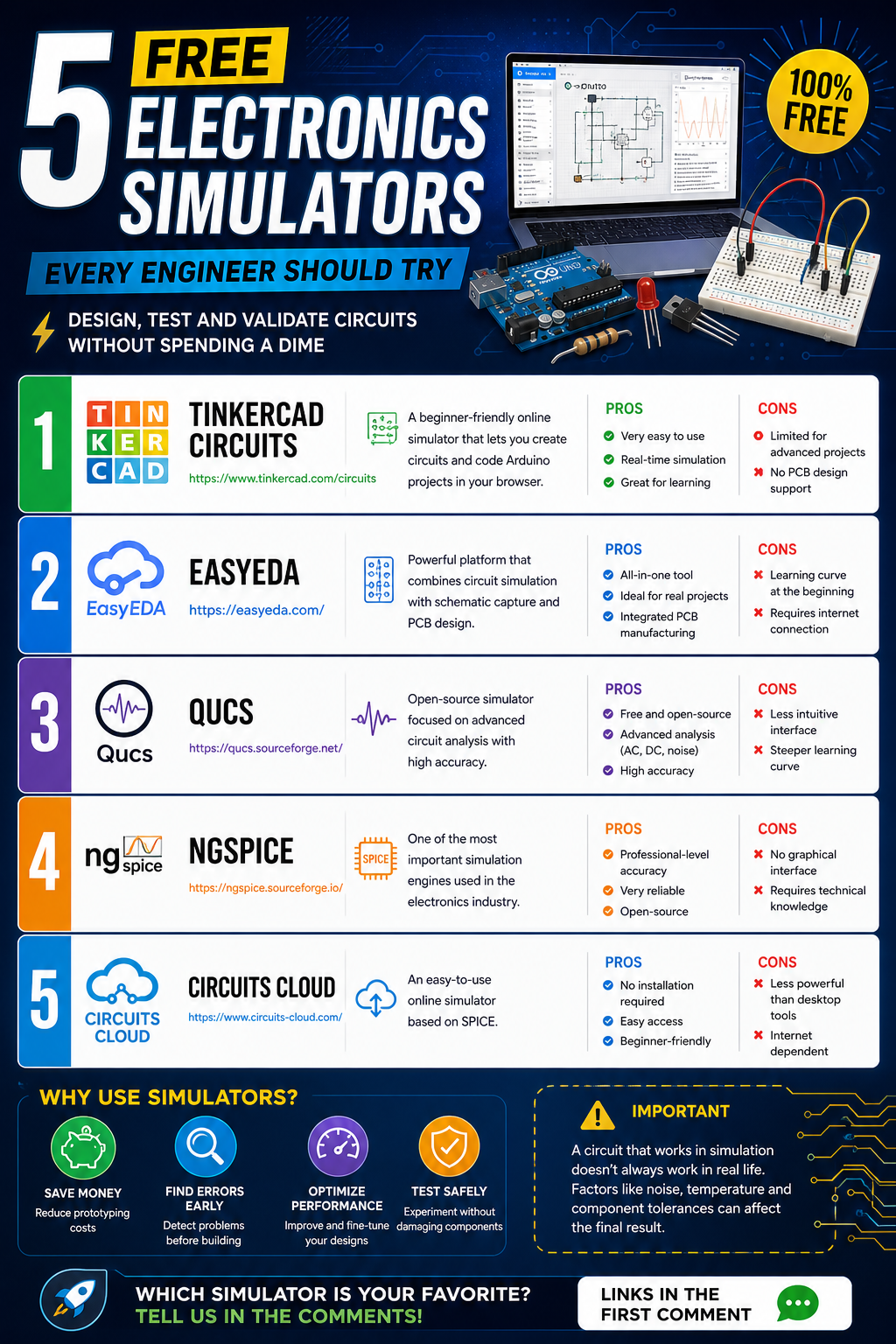
If you’re studying electronics, working with Arduino, ESP32, or building instrumentation projects, there’s one thing that can save you time, money, and frustration:
👉 Free electronics simulators
These tools allow you to design, test, and validate circuits without physically building them. In other words: you can make mistakes without burning components.
In this article, you’ll discover 5 of the best free electronics simulators, with direct access links so you can start today.
1. Tinkercad Circuits
🔗 https://www.tinkercad.com/circuits
One of the most popular simulators, especially for beginners.
It lets you create circuits directly in your browser and even program Arduino boards.
✅ Pros:
- Very easy to use
- Real-time simulation
- Great for learning electronics
❌ Cons:
- Limited for advanced projects
- No PCB design support
👉 Perfect if you’re just getting started.
2. EasyEDA
A powerful platform that combines circuit simulation and PCB design.
✅ Pros:
- All-in-one tool
- Ideal for real-world projects
- Integrated PCB manufacturing
❌ Cons:
- Learning curve at the beginning
- Requires internet connection
👉 Ideal if you want to turn your designs into real hardware.
3. Qucs
🔗 https://qucs.sourceforge.net/
An open-source simulator focused on deeper technical analysis.
✅ Pros:
- Free and open-source
- Advanced analysis (AC, DC, noise)
- High accuracy
❌ Cons:
- Less intuitive interface
- Steeper learning curve
👉 Great for intermediate to advanced users.
4. NGSpice
🔗 https://ngspice.sourceforge.io/
One of the most important simulation engines in the world.
✅ Pros:
- Professional-level accuracy
- Highly reliable
- Open-source
❌ Cons:
- No graphical interface
- Requires technical knowledge
👉 Essential if you want to work at an engineering level.
5. Circuits Cloud
🔗 https://www.circuits-cloud.com/
A simple, browser-based simulator built on SPICE.
✅ Pros:
- No installation required
- Easy access
- Beginner-friendly
❌ Cons:
- Less powerful than desktop tools
- Internet dependent
A good option for quick simulations.
Why Should You Use Electronics Simulators?
Simulators are widely used in the industry to:
- Validate designs before building
- Reduce prototyping costs
- Detect errors early
- Optimize circuit performance
However
A circuit that works in simulation doesn’t always work in real life
Factors like noise, temperature, and component tolerances can affect results.